

Home security cameras have become a standard part of modern smart homes.
They help you:
- Monitor elderly family members
- Watch over pets
- Protect deliveries
- Deter burglars
- Check your property remotely
But there is one question many homeowners never ask:
Who might be watching your camera besides you?
Cybersecurity researchers have repeatedly warned that improperly configured cameras can become easy targets for hackers.
Weak passwords, outdated firmware, and poor privacy settings can leave your family’s private life exposed.
The good news?
Most security risks can be significantly reduced in just a few minutes.
Here are the 7 most important security settings every homeowner should check today.
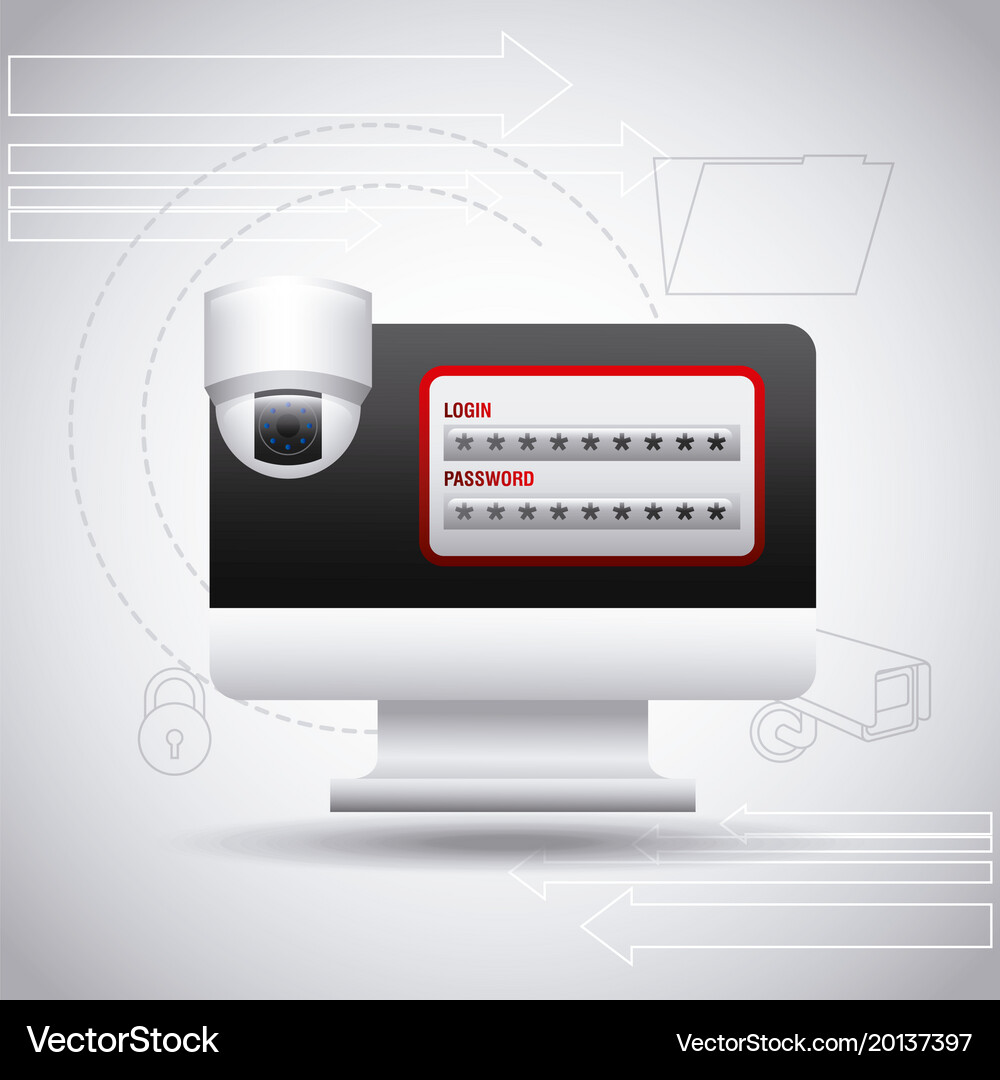
1. Replace Default Passwords Immediately
Why It Matters
Many users leave factory-default credentials unchanged.
Common passwords such as:
- admin
- 123456
- password
- admin123
can often be cracked within seconds.
Best Practice
Create a strong password using:
✅ Uppercase letters
✅ Lowercase letters
✅ Numbers
✅ Special characters
✅ Minimum 12 characters
Also change passwords every 3-6 months.
2. Enable Two-Factor Authentication (2FA)
Why It Matters
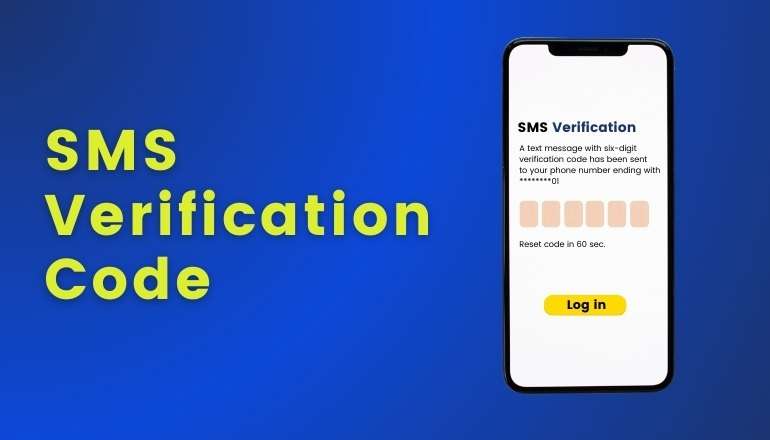
A password alone is no longer enough.
If someone obtains your login credentials through phishing or data leaks, they could access your cameras remotely.
Best Practice
Enable:
- SMS verification
- Email verification
- Authenticator apps
- New-device authorization
This adds an extra layer of protection against unauthorized access.
3. Use Privacy Mode When You’re Home
Why It Matters
Your camera doesn’t need to watch your family 24 hours a day.
Modern smart cameras often support:
- Privacy Mode
- Sleep Mode
- Physical Lens Shielding
Best Practice
When family members are home:
- Activate privacy mode
- Disable recording
- Physically hide the lens if supported
Many premium cameras physically rotate the lens into the housing, providing true privacy protection.
4. Review Device Access Regularly
Why It Matters
You may have logged into:
- Old phones
- Tablets
- Temporary devices
- Family devices
Over time, forgotten devices become security risks.
Best Practice
Check your account’s device management section monthly.
Remove:
- Unknown devices
- Old phones
- Inactive tablets
Use official family-sharing functions instead of sharing your primary password.
5. Disable Unnecessary Remote Access
Why It Matters
Every internet-connected device creates a potential attack surface.
If remote access isn’t needed, it should be disabled.
Best Practice
For local-only monitoring:
- Restrict access to your home network
- Disable external viewing
- Limit cloud access
Only enable remote access when necessary.
6. Keep Firmware and Apps Updated
Why It Matters
Most camera hacks occur through known software vulnerabilities—not password guessing.
Manufacturers regularly release security patches.
Best Practice
Enable:
- Automatic firmware updates
- Automatic mobile app updates
- Security notifications
Keeping software current closes known vulnerabilities before attackers can exploit them.

7. Avoid Monitoring Sensitive Areas
Why It Matters
Even secure cameras can create privacy concerns if installed incorrectly.
Never position cameras toward:
- Bedrooms
- Bathrooms
- Dressing areas
- Private family spaces
Best Practice
Adjust camera angles carefully and review footage periodically.
If a camera unexpectedly changes position without user input, investigate immediately.

Two Additional Security Tips Every Homeowner Should Follow
Avoid Cheap Unknown Brands
Ultra-low-cost surveillance products often lack:
- Security certifications
- Encryption standards
- Long-term firmware support
Choose established manufacturers that provide:
- Encrypted communication
- Regular updates
- Professional cloud security
The Ultimate Privacy Protection: Disconnect Power
There is one privacy protection method that never fails:
Simply unplug the camera.
If monitoring is unnecessary for an extended period, disconnecting power guarantees complete privacy.
Special Tips for EZVIZ (Hikvision) Camera Users
If you use EZVIZ cameras, pay particular attention to:
Device Encryption Password
Many users secure their account but forget to change the camera’s verification code.
Privacy Shield Mode
Use EZVIZ‘s built-in privacy mode to physically hide the lens.
Device Sharing Management
Regularly review shared accounts and revoke unnecessary access.
Login Security
Enable abnormal login alerts and new-device authorization.
Firmware Updates
Always keep cameras updated with the latest firmware releases.
Final Thoughts
Smart security cameras provide incredible convenience and peace of mind.
However, convenience should never come at the cost of privacy.
By implementing these seven simple security measures, you can dramatically reduce the risk of unauthorized access and ensure your surveillance system protects your family rather than exposing it.
The safest camera is not just the one with the best image quality.
It’s the one that is properly secured.
Protect Your Home with Secure Smart Surveillance Solutions
At SNOSECURE, we believe security starts with privacy.
We manufacture a full range of smart surveillance products, including:
- Solar Security Cameras
- 4G LTE Cameras
- WiFi Cameras
- Video Doorbells
- NVR Systems
- Baby Monitors
- Hunting Cameras
With 20 years of manufacturing experience, a 12,000m² production facility, and OEM/ODM customization capabilities, we help brands, distributors, and system integrators deliver secure surveillance solutions to customers worldwide.
Ready to Build a More Secure Surveillance Product Line?
📩 Contact SNOSECURE today for OEM & ODM cooperation.
🌐 Website: www.camhiprocam.com
📧 Email: simple@camhiprocam.com
📱 WhatsApp: +86-185-6568-6066
